


HOME EV CHARGING • PRACTICAL PLANNING
Read your charging data.
Know what it means.
Keep power, energy, elapsed time and billing records separate when evaluating home charging.
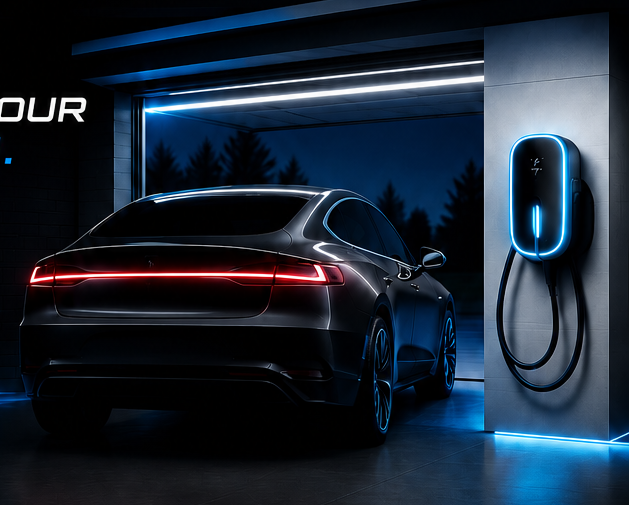
EV charging session data can answer useful questions when you know what each number represents. The charger app, vehicle display and electricity bill may describe different things. Build a simple record before using any one screen to judge charging performance or spending.
Power and energy answer different questions
Kilowatts, written as kW, describe the rate of energy transfer. Kilowatt-hours, written as kWh, describe an amount of energy. As a simplified arithmetic example, a steady 6 kW for two hours equals 12 kWh. Real sessions may change power over time, so use the recorded session total when available.
Time connected is another measurement. A car can be plugged in before a scheduled session begins or after it finishes. Keep active charging time separate from the total time the cable was attached.
Create a record you can compare
- Date and vehicle used.
- Start and end time shown by the equipment.
- Energy delivered, with the source app named.
- Starting and ending battery percentage.
- Any schedule, interruption or displayed warning.
- Whether the session total includes more than one vehicle.
Use the same source and units for comparisons. If an app changes its reporting period or you replace the equipment, mark that change in the record. Otherwise, an apparent increase may reflect a different report rather than a different driving pattern.
Check where the number was measured
Ask the equipment provider what its energy figure includes. Do not assume that an app’s session total, energy added to the battery and whole-home meter use are interchangeable. Record the provider’s explanation beside your spreadsheet or notes.
Tesla says registered and configured Wall Connectors can provide charging statistics and history through its app. Features depend on the equipment and setup. Confirm what your exact product records, how long it retains data and whether you can export it.
Keep estimates labeled as estimates.
Multiplying recorded kWh by a chosen electricity rate produces an estimate based on that rate. It is not automatically a match for a bill that includes other usage, time-dependent charges or fees.
Use data to make a better service request
If overnight charging becomes unreliable, send several dated sessions and the original alerts. Explain the practical problem: the car is not ready by departure, a session stops unexpectedly, or recorded energy appears inconsistent. Let the service provider establish the cause.
Our assessment process starts with the vehicle, location and desired result. For changes to the installation, discuss the scope through our EV charging services. Do not alter electrical limits solely to make an app display a larger number.
EV charging session data questions
Is a kW reading the amount I bought?
No. It is a power reading. Look for a kWh total when you need an energy amount, and confirm the reporting period.
Can I compare battery percentages between two cars?
A percentage alone does not provide a common energy total. Keep separate vehicle records and consult their documentation.
What if my charger has no app?
You can still log session times, vehicle readings and symptoms. Ask the installer what measurement options are appropriate if more detailed data is needed.
SOURCES CHECKED OCTOBER 3, 2026
Tesla Wall Connector reporting and setup · DOE charging equipment overview
LET’S PLAN YOUR INSTALLATION
Your garage. Your vehicle. A clear plan.
Send your vehicle details and safe photos of the proposed charging location. We will discuss the scope and next assessment step.