

SMART CHARGING • ACCOUNT SECURITY
Protect the account.
Control remote access.
A connected charger can expose schedules, energy data, location details and remote controls if account ownership is unclear or credentials are shared casually.
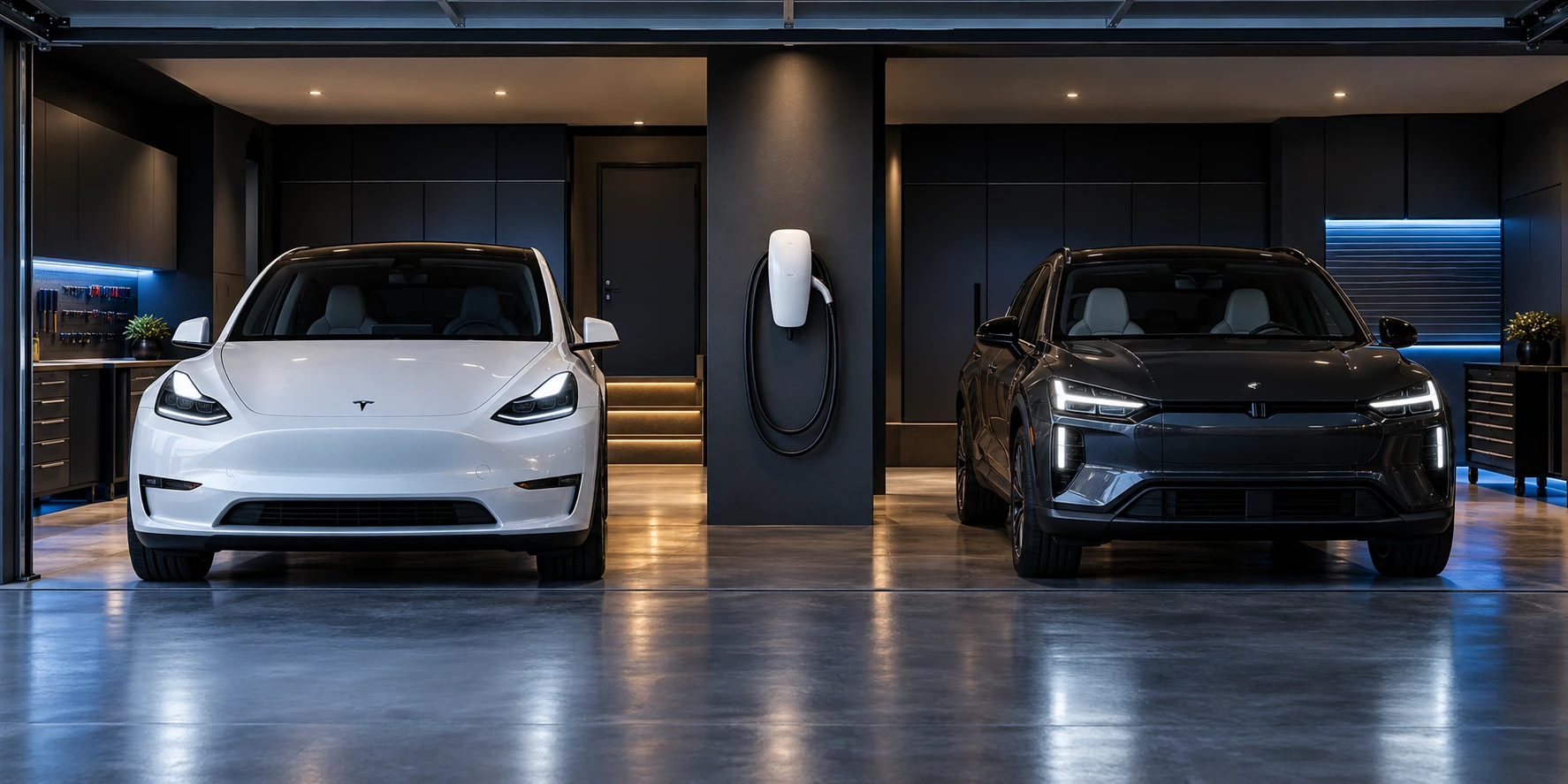
A smart charger account may control charging schedules, access permissions, current limits, reports and firmware notifications. Treat it as part of the installation handoff, not an informal phone setup. The homeowner should know which email owns the equipment, who else has access and how control will be recovered if a phone or employee account is lost.
Choose a durable owner account
Register the charger to an address the property owner controls rather than a temporary installer, contractor or work email. Record the manufacturer, account email, charger name and support contact. Do not place passwords, recovery codes or pairing codes in the electrical panel directory or a publicly shared project folder.
Shared passwords hide who changed a setting.
Use the manufacturer’s household, driver or installer-access features when available instead of giving everyone the same login.
Use unique credentials and stronger sign-in
Create a long, unique password with a password manager. Enable multifactor authentication when the charger platform provides it. Protect the email account tied to password recovery with the same care because control of that inbox can allow an account reset.
Limit permissions to the job
Temporary installer access may be needed for commissioning or service, but it should not become permanent by default. After handoff, remove accounts that no longer need access and confirm which users can change current limits, schedules, payment settings or location names. Do not grant remote control merely to share energy reports.
Secure the home network connection
Follow the charger maker’s supported Wi-Fi method and keep the home router updated. Do not expose charger setup pages directly to the public internet or use default router credentials. If the network name changes, reconnect through the official app or commissioning process and confirm the charger still has the intended settings.
Plan for phone loss, service and ownership change
Know how to revoke a lost phone, reset a password and contact manufacturer support. Before selling the home, changing tenants or transferring a company vehicle, export necessary records, remove personal data and follow the maker’s ownership-transfer process. Keep the electrical installation record separate from app credentials so future service does not require unsafe password sharing.
Our smart EV charger installation services include setup planning, and our installation process explains the information needed before a site assessment.
Account-security questions
Should the installer own the charger account?
The durable owner should normally be the customer or property owner, with installer access handled through supported service tools.
Is one family password acceptable?
Separate user invitations are better when the platform provides them because access can be changed without replacing the owner password.
What if multifactor authentication is unavailable?
Use a unique password, protect the recovery email, limit sharing and monitor the manufacturer account for security updates.
What belongs in the handoff record?
Record the owner email, charger model and name, authorized users, circuit label, current setting and support process—but not passwords or recovery codes.
SOURCES CHECKED OCTOBER 9, 2026
CISA strong-password guidance · CISA multifactor-authentication guidance · Tesla Wall Connector registration and commissioning guidance
LET’S PLAN YOUR INSTALLATION
Your garage. Your vehicle. A clear plan.
Send your address, vehicle details, and safely taken photos of the proposed charging location and accessible electrical labels. EV Garage Install will discuss the scope and next assessment step.